Kimi Code CLI
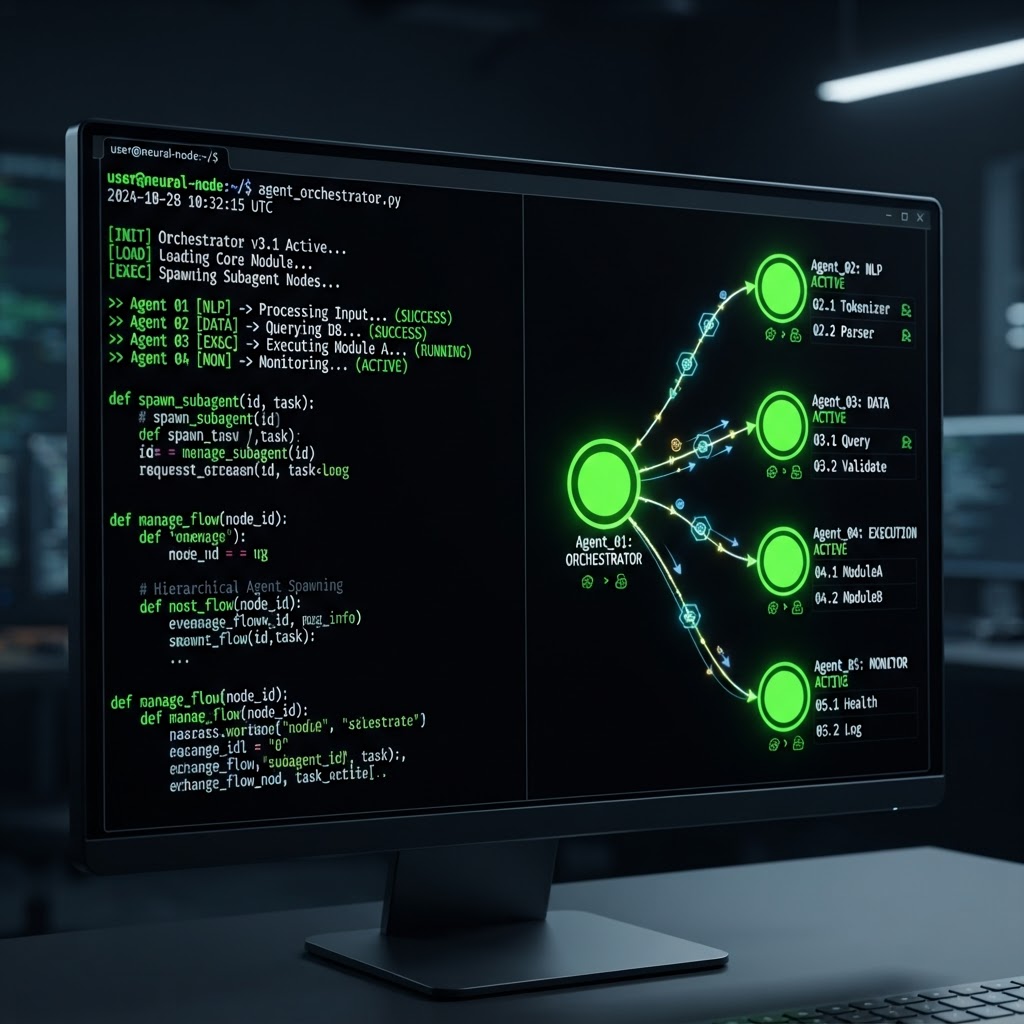 on the blogMoonshot AI Updates Kimi Code CLI with Enhanced Subagent Controls 4 min
What is Kimi Code CLI?
Kimi Code CLI is an AI coding agent that operates directly within your terminal, enabling tasks such as reading and editing code, executing shell commands, searching files, fetching web pages, and autonomously planning and adjusting actions during execution. It integrates seamlessly with Moonshot AI’s Kimi models and can be configured to utilize other compatible providers.
Kimi Code CLI is a terminal-based AI coding agent developed by Moonshot AI, designed to assist developers by reading and editing code, executing shell commands, and fetching web pages. It offers a fast, lightweight installation with a polished text-based user interface (TUI) for focused agent sessions. Key features include video input support, allowing the agent to process screen recordings or demo clips, and programmable extension points such as agent skills, hooks, sub-agents, and Model Context Protocol (MCP) integration, enabling customization and extension of workflows. Installation is straightforward, requiring a single command without the need for Node.js or complex configurations. The agent is available for macOS, Linux, and Windows platforms, with specific installation scripts provided for each. For more detailed information and documentation, visit the official Kimi Code CLI documentation page.
Kimi Code CLI is built by Moonshot AI and fits into the AI Coding and Agentic AI categories. It was released on May 29, 2026.
Kimi Code CLI is free to use and open source. Teams typically use it for refactoring, workflow orchestration, code review and browser automation, with domain-specific use in Fintech, Customer support, E-commerce and Finance ops.
Who Kimi Code CLI is for
Teams and individual developers working in AI Coding and Agentic AI.